Discover the best ergonomic office chair and desk to optimize your home workspace.
Disclosure: This post contains affiliate links. We may earn a commission at no extra cost to you.
What changes can I make to improve my ergonomic home office setup?
What changes can I make to improve my ergonomic home office setup?
**Ergonomic Home Office Setup:**
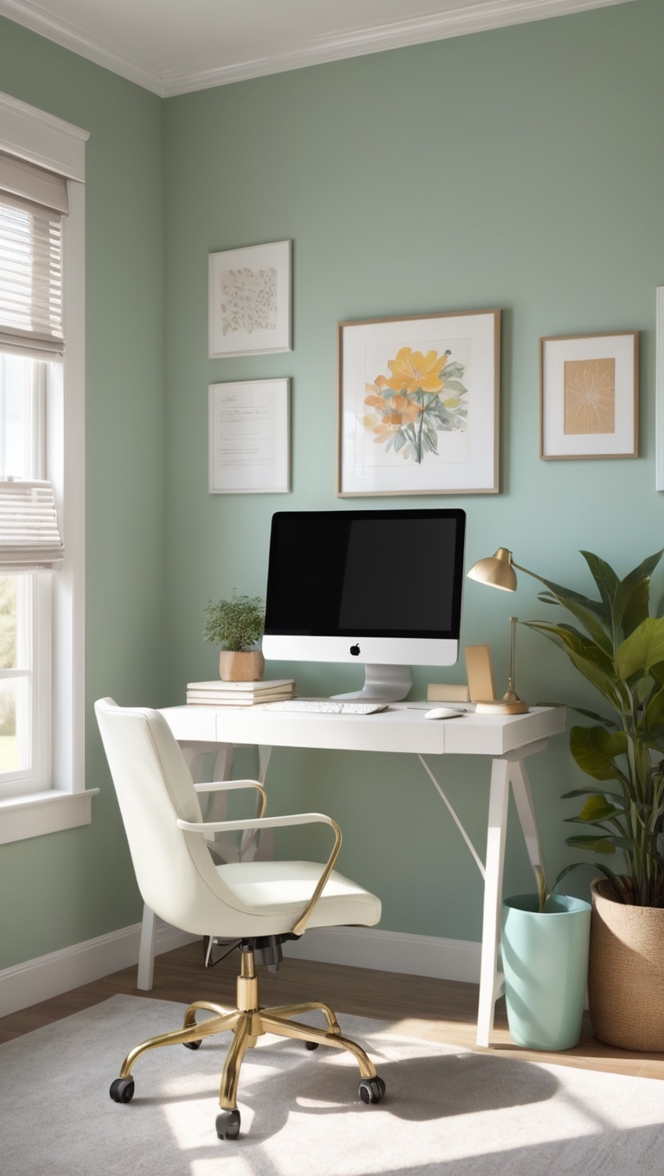
Creating an ergonomic home office setup is crucial for maintaining comfort and productivity. Start by investing in a good chair with proper back support and adjustable height. Opt for a desk that allows for a comfortable typing and viewing position. Position your computer screen at eye level to prevent neck strain. Additionally, use a footrest and wrist support for added comfort. Regularly take breaks to stretch and move around to prevent stiffness.

What changes can I make to improve my ergonomic home office setup?
Working from home has become the new norm for many people, and having an ergonomic home office setup is essential for maintaining productivity and preventing discomfort or injury. By making a few simple changes to your workspace, you can greatly improve your overall comfort and well-being. Let’s explore some key adjustments you can make to create a more ergonomic home office environment.
1. How can I adjust my chair for better posture?
One of the most important aspects of an ergonomic home office setup is having a chair that supports proper posture. Make sure your chair is adjustable in height so that your feet can rest flat on the floor and your knees are at a 90-degree angle. Your lower back should be supported by the chair’s backrest, and you should be able to sit with your shoulders relaxed and your elbows close to your body.
2. What type of desk setup is best for ergonomics?
When it comes to your desk setup, choose a desk that allows you to keep your wrists straight and your forearms parallel to the ground while typing. Consider using a height-adjustable desk or a keyboard tray to achieve the ideal position. Make sure your desk is at the right height to prevent slouching or reaching too far forward.
3. Are there specific keyboard and mouse recommendations for ergonomic benefits?
Investing in an ergonomic keyboard and mouse can make a big difference in reducing strain on your wrists and hands. Look for keyboards that are split or contoured to keep your wrists in a more natural position. A mouse that fits comfortably in your hand and allows for smooth movement can also help prevent repetitive strain injuries.
4. How can I position my computer monitor to reduce eye strain?
Position your computer monitor at eye level and at arm’s length away from you to reduce eye strain. Make sure the screen is tilted slightly upward to minimize glare and reflections. Consider using a monitor arm to easily adjust the height and angle of your monitor as needed.
5. What lighting options are optimal for an ergonomic home office?
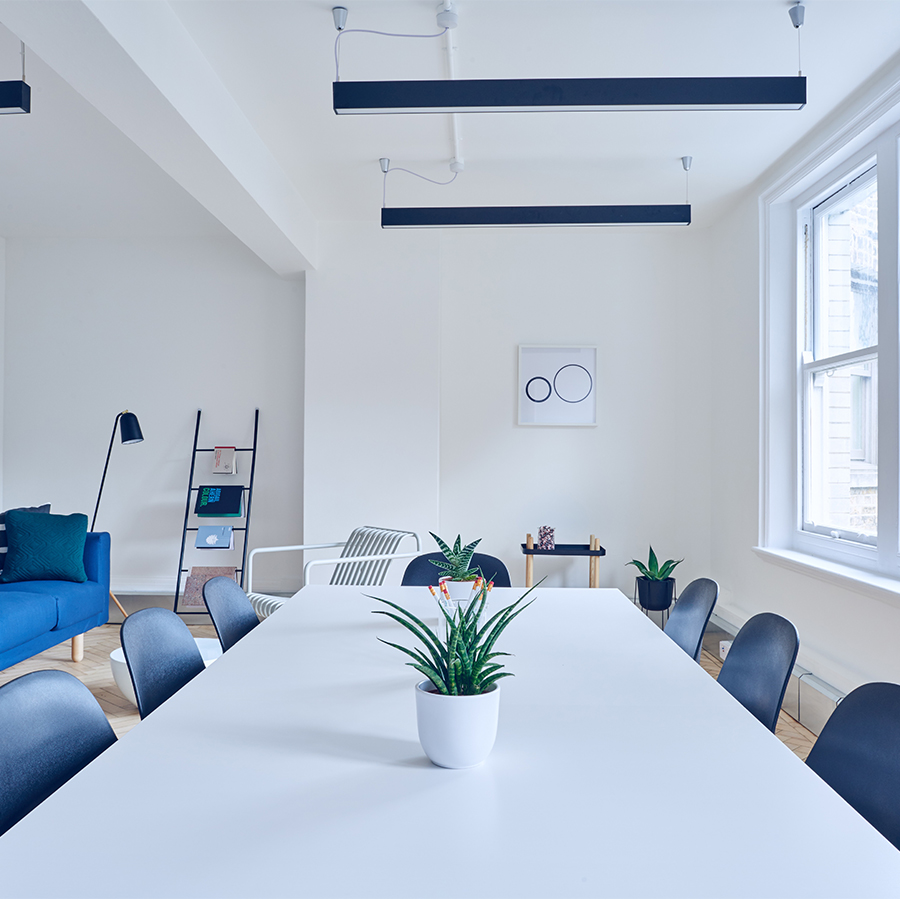
Good lighting is crucial for an ergonomic workspace. Avoid overhead lighting that causes glare on your screen and opt for task lighting that illuminates your work area evenly. Natural light is also beneficial, so try to position your desk near a window for a pleasant working environment.
6. Are there any recommended accessories to enhance ergonomics in my workspace?
Consider adding ergonomic accessories such as a footrest, wrist rest, or monitor riser to further improve your workspace. These accessories can help reduce strain on your body and promote better posture while working. Experiment with different accessories to find what works best for you.
7. How can I incorporate movement and breaks into my ergonomic home office setup for better health?
It’s important to take regular breaks and incorporate movement into your workday to prevent stiffness and improve circulation. Set reminders to stand up, stretch, and walk around every hour. Consider using a standing desk or a balance ball chair to engage your muscles while working. Simple exercises like shoulder rolls and neck stretches can also help alleviate tension.
By addressing these questions and implementing the suggested changes, you can transform your home office into a more ergonomic and comfortable workspace. Prioritizing your health and well-being through proper ergonomics will not only improve your productivity but also enhance your overall quality of life.
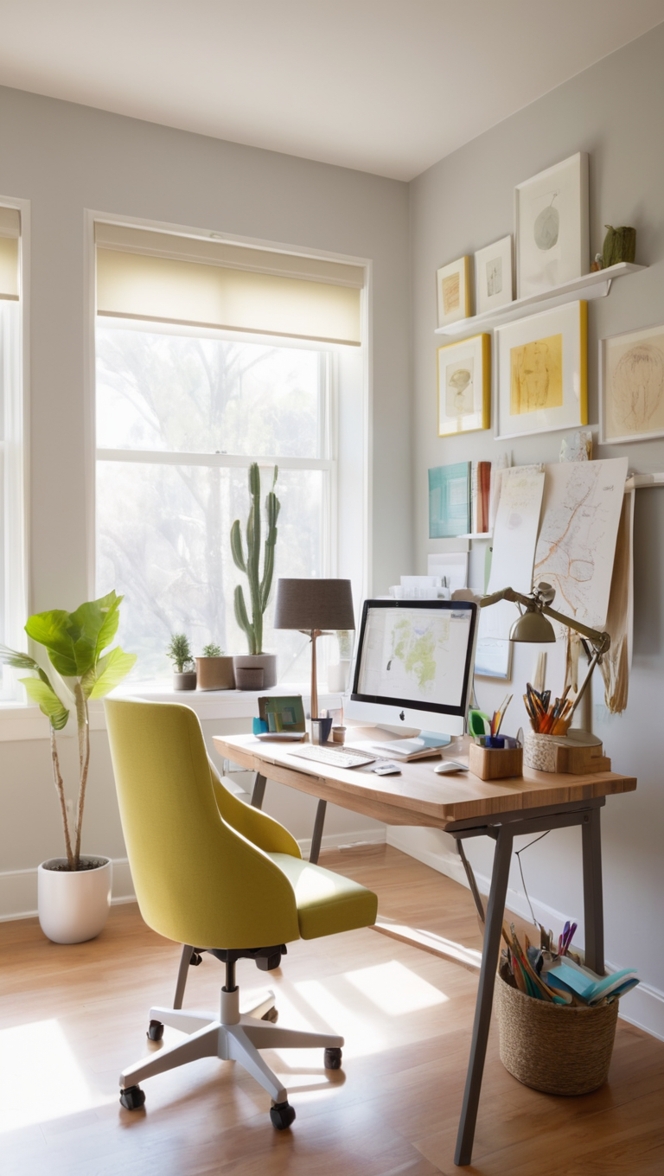
12 Unique Ideas to Improve Your Ergonomic Home Office Setup
When it comes to creating a comfortable and productive home office space, making ergonomic changes can have a significant impact. Here are 12 unique ideas to enhance your ergonomic home office setup:
1. **Natural Light:** Incorporate natural light into your workspace by positioning your desk near a window. Natural light can boost mood and productivity.
2. **Adjustable Desk:** Invest in an adjustable desk that allows you to switch between sitting and standing positions. This can reduce strain on your back and improve circulation.
3. **Task Lighting:** Add task lighting to your workspace to reduce eye strain. Position the light source to prevent glare on your computer screen.
4. **Plants:** Bring some greenery into your office with plants. Not only do they improve air quality, but they can also create a calming atmosphere.
5. **Color Psychology:** Choose paint colors for your office that promote focus and creativity. Consider shades like calming blues or energizing yellows.
6. **Cable Management:** Keep your workspace organized and safe by managing cables and cords. Use cable clips or organizers to prevent tripping hazards.
7. **Footrest:** Use a footrest to support your feet and promote proper posture while sitting. This can reduce pressure on your lower back.
8. **Noise-Canceling Headphones:** Block out distractions with noise-canceling headphones. Choose a pair that is comfortable for extended wear.
9. **Ergonomic Accessories:** Invest in ergonomic accessories like a keyboard wrist rest or an ergonomic mouse to reduce strain on your wrists and hands.
10. **Standing Mat:** If you have a standing desk, consider using a standing mat to reduce fatigue on your feet and legs.
11. **Personalized Decor:** Surround yourself with decor that inspires you, whether it’s artwork, photos, or motivational quotes. Create a space that reflects your personality.
12. **Regular Breaks:** Remember to take regular breaks throughout the day to stretch, move around, and give your eyes a rest from screens. Incorporating short breaks can boost productivity and reduce fatigue.
By implementing these 12 unique ideas, you can create a more comfortable and ergonomic home office setup that enhances your well-being and productivity. Experiment with different changes to find what works best for you in your workspace.